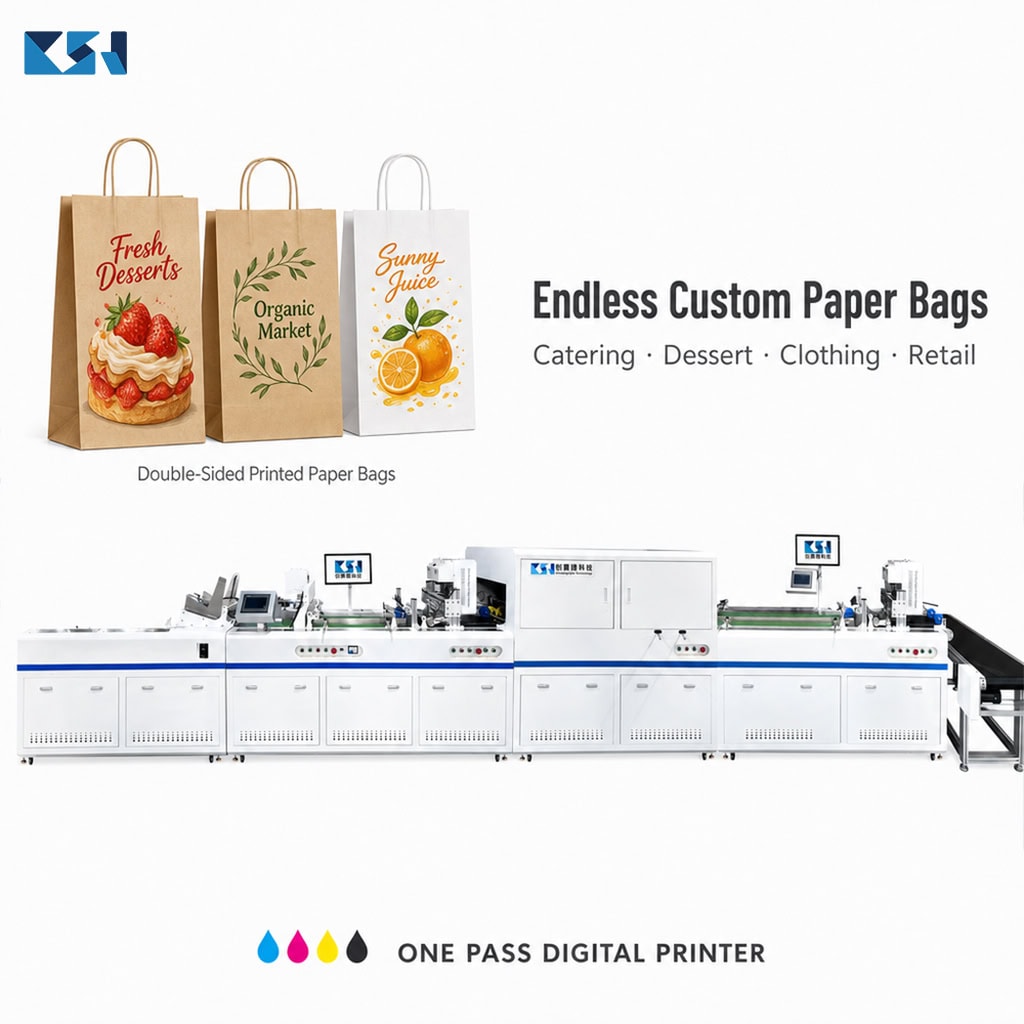
Printing a logo or pattern on both sides of a paper bag used to mean printing one side, pulling the stack off, flipping it by hand, re-feeding it, and hoping it lines up. For small and custom orders, that manual flip is where money and time leak out.
This guide explains how double-sided paper bag printing actually works today, why the old method hurts small-batch brands, and how an auto-reverse digital printer handles both faces in a single continuous pass.
Why print both sides of a paper bag?
A single-sided bag wastes the largest branding surface you own. The back of the bag is prime real estate for:
- Your full brand story or slogan
- Care, origin, or certification info (FSC, recyclable)
- A QR code or social handle
- Secondary product imagery
For food, dessert, apparel, and retail brands, double-sided printing turns a plain carrier into a walking advertisement.
The old way: manual flip printing
Traditional setup for two-sided bags:
- Print side A on a screen or digital press
- Unload, manually flip and re-stack
- Print side B
- Dry, check alignment
The problems:
| Pain point | Impact |
| Manual flipping | Labor cost, slow, inconsistent |
| Re-feeding alignment | Misregistration between sides |
| Plate making | High cost, MOQ required |
| Drying between passes | Longer lead time |
Small and scattered orders (low MOQ) simply get rejected or priced out.
The better way: auto-reverse digital printing
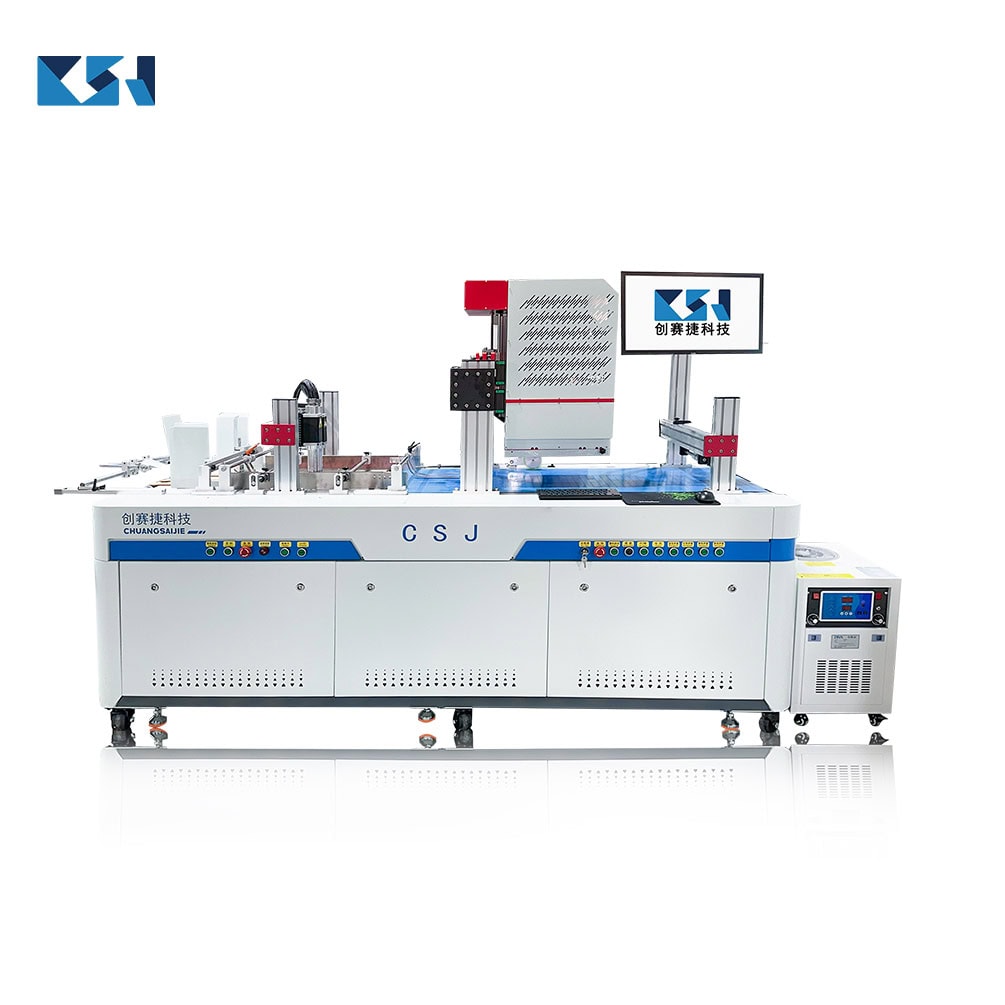
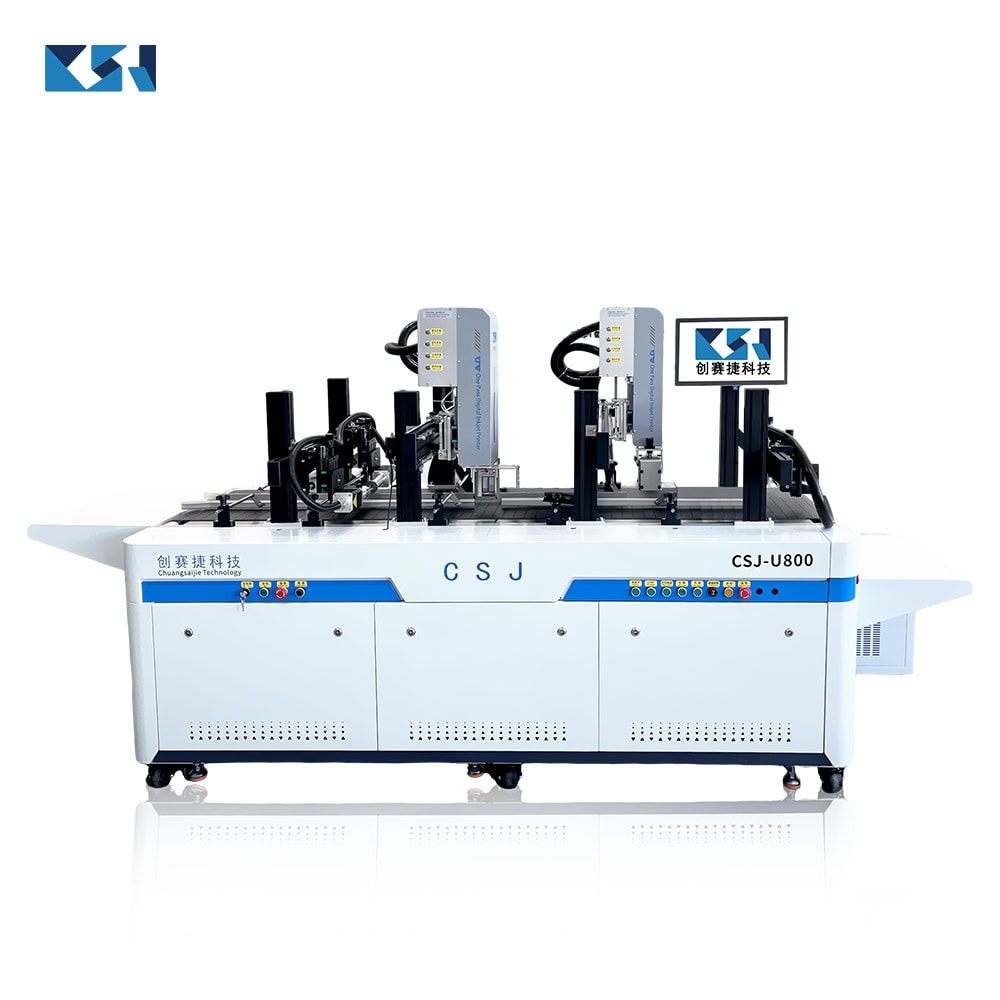
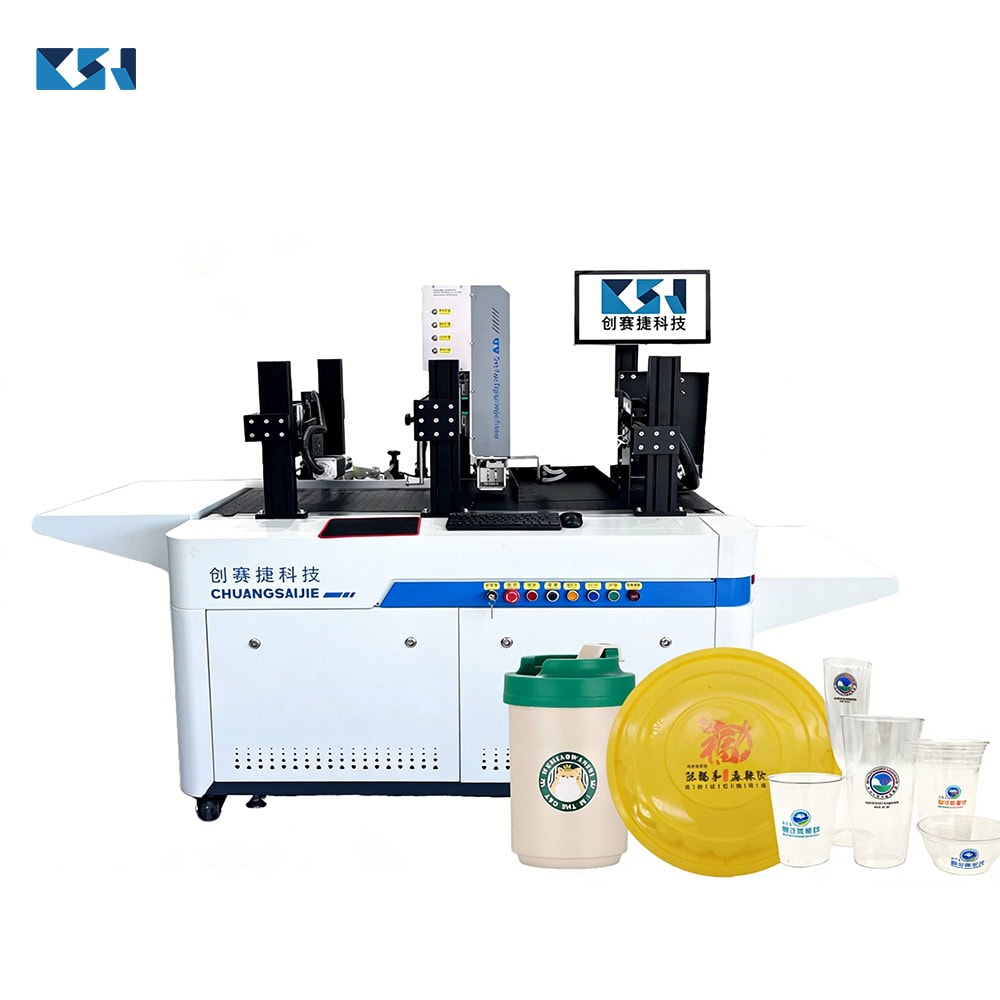
A machine like the CSJ-297ZD Paper Bag Auto-Reversible Double-Sided Digital Printer prints side A, then automatically flips the bag and prints side B — no operator handling in between.
How the process flows:
- Feed bags (up-suction or friction feeder, switchable)
- Side A prints at up to 1200 dpi
- Belt auto-corrects deviation (automatic deskew system)
- Machine flips the bag automatically
- Side B prints, aligned
- Counting stacker collects finished bags — no manual counting
Because it is digital and plate-free, you can switch artwork between bags with zero setup cost. That is what makes true small-batch customization possible.
Step-by-step: printing double-sided bags on the CSJ-297ZD
1. Prepare your artwork
- Use BMP, PDF, TIFF, or JPG
- Set resolution to match 1200 dpi output
- Confirm both side A and side B files
2. Load the media
- Kraft paper, corrugated paper, rice paper, cotton paper, and other absorbent media all work
- Up-suction feeder: thickness 1.0–5.0 mm, width 150–550 mm
- Friction (paging) feeder: 80–600 g, width 100–500 mm
3. Choose feeder mode
- One-click switch between friction feeding and vacuum suction feeding depending on your bag type
4. Start the run
- Speed adjustable 0–40 m/min
- CMYK eco-friendly water-based ink, circular supply
- Belt auto-corrects substrate deviation; pressure strips hold bags in place
5. Collect
- Intelligent counting and stacking — finished bags come out counted and stacked
Media compatibility cheat sheet
| Material | Printable? | Notes |
| Kraft paper | ✅ Yes | Most common for retail/food bags |
| Corrugated paper | ✅ Yes | Boxes, carriers |
| Rice paper | ✅ Yes | Delicate, specialty |
| Cotton paper | ✅ Yes | Premium feel |
| Non-absorbent plastic | ❌ No | Use UV printer instead (see G502C) |
FAQ
Q: Do I need plates for double-sided printing? A: No. The CSJ-297ZD is a digital printer — no plate making, no MOQ. Switch designs freely.
Q: How accurate is two-side alignment? A: The automatic deskew system and pressure-strip fixation keep substrate deviation corrected during printing, so side B registers to side A.
Q: What ink is used? A: Eco-friendly water-based CMYK ink with circular supply — suitable for absorbent paper media.
Q: Can I print different art on every bag? A: Yes. Because there is no plate, each bag can carry unique artwork (variable data, names, QR codes).
Ready to print both sides?
If you run food, retail, apparel, or promotional paper bags and want double-sided printing without plate costs or manual flipping, [talk to our team about the CSJ-297ZD]([Get a Quote]).
- See the full machine specs: CSJ-297ZD Paper Bag Digital Printer: Specs & Buyer’s Guide
- LINK:https://szcsj86.com/wp-admin/post.php?post=6526&action=edit